
Power Interval Timer - Tabata & HIIT
Interval Workout Timer
A minimal, fast, offline interval workout timer for Tabata, HIIT, and short workouts. Features configurable workouts, 10 display modes (3 free + 7 premium), tap-to-start/pause, sound alerts, screen casting, and native TV support.
Key Features
Configurable Workouts
Customize your workout intervals to match your training needs
- • Work duration (seconds)
- • Rest duration (seconds)
- • Number of rounds
- • Prepare time with race-start beeps (last 4 seconds)
- • Cooldown period
- • Tap anywhere on screen to start/pause
- • Swipe-to-edit/delete timer cards
- • Drag-to-reorder timer list
10 Display Modes
Choose from 10 different timer display styles (3 free + 7 premium)
- • Circular (Free) - Segmented circular progress with interval indicators
- • Digital (Free) - Large digital time display
- • Linear (Free) - Horizontal progress bar
- • Minimal (Premium) - Clean minimal design
- • Analog (Premium) - Analog clock-style display
- • Dual (Premium) - Small interval + large main timer
- • Chronograph (Premium) - Watch-style with interval count inside
- • Segmented Circular (Premium) - Circular ring with visible segments
- • Minimalist (Premium) - Enhanced minimal with larger text
- • Nested Circular (Premium) - Outer circle for seconds, inner for intervals
Works Offline
No internet connection required
- • Fully functional offline
- • No data collection
- • Local storage only
- • No account required
Screen Casting
Cast your timer to TV for group workouts
- • AirPlay support (iOS)
- • MediaProjection (Android)
- • TV-optimized layout
- • Automatic cleanup
TV Support
Native support for Apple TV and Android TV
- • Apple TV (tvOS) support
- • Android TV support
- • Large display optimized
- • Platform-specific features
Customization
Personalize your timer experience
- • Custom timer images (from gallery or default)
- • Color themes and gradients
- • Font sizes and styles
- • Multiple sound selection (including 'none' option)
- • Dark/Light/System theme modes
- • Timer images displayed on timer screen
- • RTL support (Hebrew & English)
Key Features
Configurable Workouts
Customize your workout intervals to match your training needs
- • Work duration (seconds)
- • Rest duration (seconds)
- • Number of rounds
- • Prepare time with race-start beeps (last 4 seconds)
- • Cooldown period
- • Tap anywhere on screen to start/pause
- • Swipe-to-edit/delete timer cards
- • Drag-to-reorder timer list
10 Display Modes
Choose from 10 different timer display styles (3 free + 7 premium)
- • Circular (Free) - Segmented circular progress with interval indicators
- • Digital (Free) - Large digital time display
- • Linear (Free) - Horizontal progress bar
- • Minimal (Premium) - Clean minimal design
- • Analog (Premium) - Analog clock-style display
- • Dual (Premium) - Small interval + large main timer
- • Chronograph (Premium) - Watch-style with interval count inside
- • Segmented Circular (Premium) - Circular ring with visible segments
- • Minimalist (Premium) - Enhanced minimal with larger text
- • Nested Circular (Premium) - Outer circle for seconds, inner for intervals
Works Offline
No internet connection required
- • Fully functional offline
- • No data collection
- • Local storage only
- • No account required
Screen Casting
Cast your timer to TV for group workouts
- • AirPlay support (iOS)
- • MediaProjection (Android)
- • TV-optimized layout
- • Automatic cleanup
TV Support
Native support for Apple TV and Android TV
- • Apple TV (tvOS) support
- • Android TV support
- • Large display optimized
- • Platform-specific features
Customization
Personalize your timer experience
- • Custom timer images (from gallery or default)
- • Color themes and gradients
- • Font sizes and styles
- • Multiple sound selection (including 'none' option)
- • Dark/Light/System theme modes
- • Timer images displayed on timer screen
- • RTL support (Hebrew & English)
Freemium Model
Free version with optional Premium upgrade ($2.99 one-time)
- • Free: Up to 2 saved timers, 3 basic display modes, banner ads
- • Premium: Unlimited timers, all 10 display modes, no ads
- • One-time purchase - no subscriptions
- • Restore purchases across devices
Apple Watch Integration
Basic companion support for Apple Watch
- • Show current phase and countdown
- • Display round number
- • Companion app functionality
- • Disabled on TV devices
Screenshots
Real app screens from Power Interval Timer - Tabata & HIIT.
App screens
Home
Pick a workout preset or build your own intervals.
Work interval
Large countdown with clear work/rest phases.
Setup
Configure rounds, durations, and rest periods.
Display modes
Choose the view that works in the gym or at home.
How to use
Choose a preset
Start with Tabata, HIIT, or custom intervals.
Set work & rest
Adjust seconds per phase and number of rounds.
Start the timer
Follow audio and visual cues through each interval.
Track sessions
Repeat workouts and refine your timing.
Tips & tricks
Get more from the app.
Programming tips
1. Name timers like programs — “Strength 90/60”, “Engine 30/15”, not “Timer 3”. 2. Use prepare wisely — 10–15 s for demos; 0 s when athletes are already set. 3. Cooldown is discipline — 30–60 s walk-down beats stopping cold after HIIT. 4. Progression — duplicate a timer and add one round per week instead of rebuilding. 5. Pair work/rest to goal — 1:1 for conditioning; 1:2 or 1:3 for strength super
Tabata & HIIT
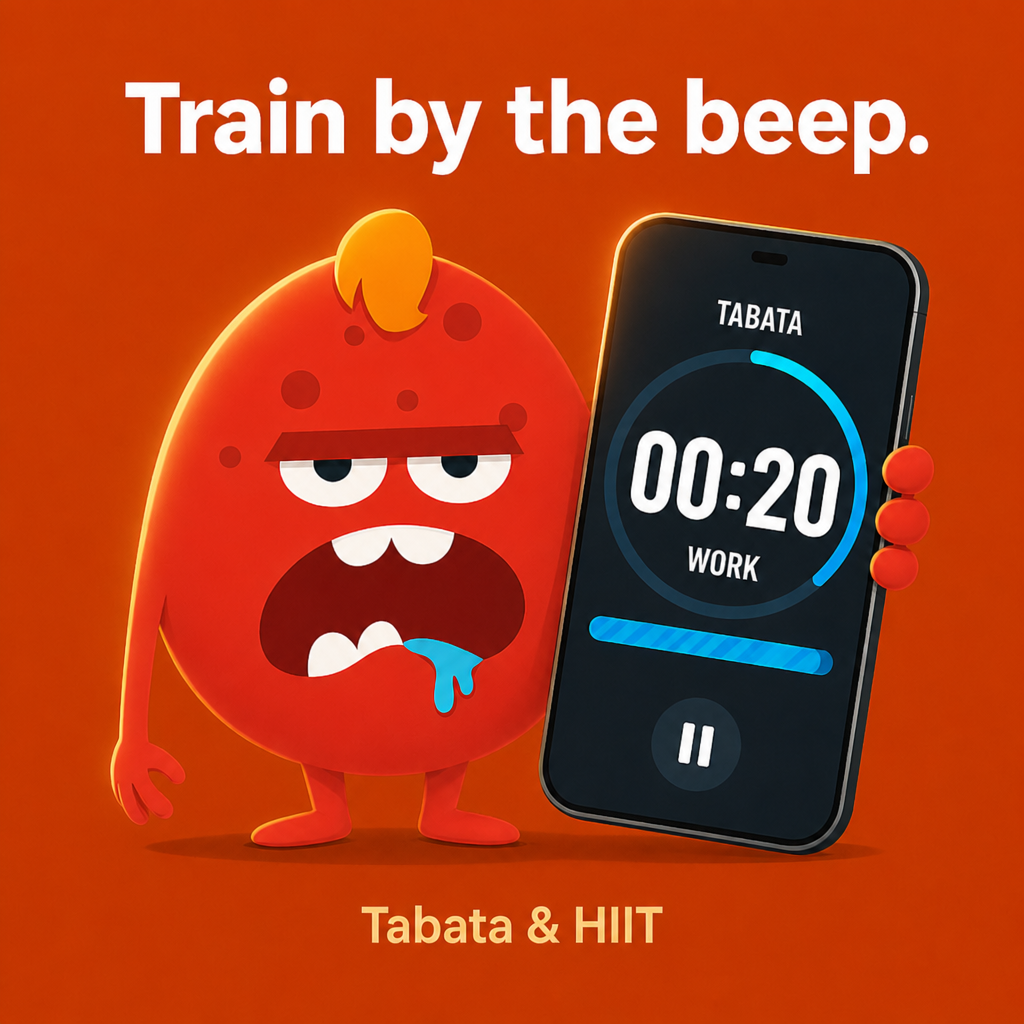
Classic Tabata: 20 s on / 10 s off × 8 (4 min). Quality drops after round 6 — that’s normal; note it in your log. - HIIT blocks: 40/20 or 30/15 for 10–20 min total work time. - EMOM-style: set work = 60 s, rest = 0, rounds = minutes in block; start each minute on the beep.
In the gym
Landscape on a bench rack — timer + controls side by side. - Cast to TV for bootcamps so late arrivals see the phase. - Digital mode for bright floors; Circular for quick glance at distance.
Sound & vibration
Test alert volume before the first work interval of a class. - “None” sound + vibration only for studios with noise rules. - Prepare beeps train athletes to set on the last countdown, not the first second of work.
Premium worth it when…
You run more than two distinct protocols per week. - You want Chronograph / Dual modes for readability on iPad at arm’s length. - Ads distract clients during demos (one-time remove ads).
Recovery & safety
If form breaks, pause — don’t chase the clock. - Hydrate during rest, not work. - Cooldown isn’t optional for high-intensity blocks with beginners.
Weekly habit
Sunday: reorder Home to match Mon–Fri plan. - Friday: archive or delete timers you didn’t use — keeps Home honest.
Frequently asked questions
Quick answers about features, privacy, and billing.
What is Power Interval Timer?+
A minimal interval timer for Tabata, HIIT, and custom work/rest rounds. It runs offline and focuses on clarity mid-workout.
Do I need an account?+
No. Timers are stored on your device.
Does it work without internet?+
Yes. Core timing, sounds, and saved timers work offline. Ads and purchase verification may need connectivity when those features are used.
Which devices are supported?+
iPhone, iPad, Android phones/tablets, Apple TV, and Android TV.
Can I do classic Tabata?+
Yes — 20 s work, 10 s rest, 8 rounds (adjust prepare/cooldown as you like).
Can I skip rest or end early?+
Use **Skip** for the current phase or **Stop** to end the session.
How do I pause with gloves on?+
Tap anywhere on the timer face to start/pause.
How many clock styles are there?+
Ten display modes. Three are free (Circular, Digital, Linear); seven are Premium.
Can I use my own photo on a timer?+
Yes — pick from your gallery when creating/editing a timer (system photo picker on modern Android).
Dark mode?+
Settings → Theme: Light, Dark, or System.
What’s included in Premium?+
Unlimited saved timers, all display modes, no ads. One-time purchase (not a subscription).
How much is Premium?+
Price is shown in the app from your local App Store or Google Play (varies by country).
More from Zuki Apps
Explore other free iOS & Android apps from the same developer.


✅ Available Now
Power Interval Timer is available for download
Version
1.0.7+16
Status
Available
Download Now
Available on App Store and Google Play


Important Links